%20(1).png)
10 Low-Cost Cybersecurity Wins for Your Small Food and Agriculture Business
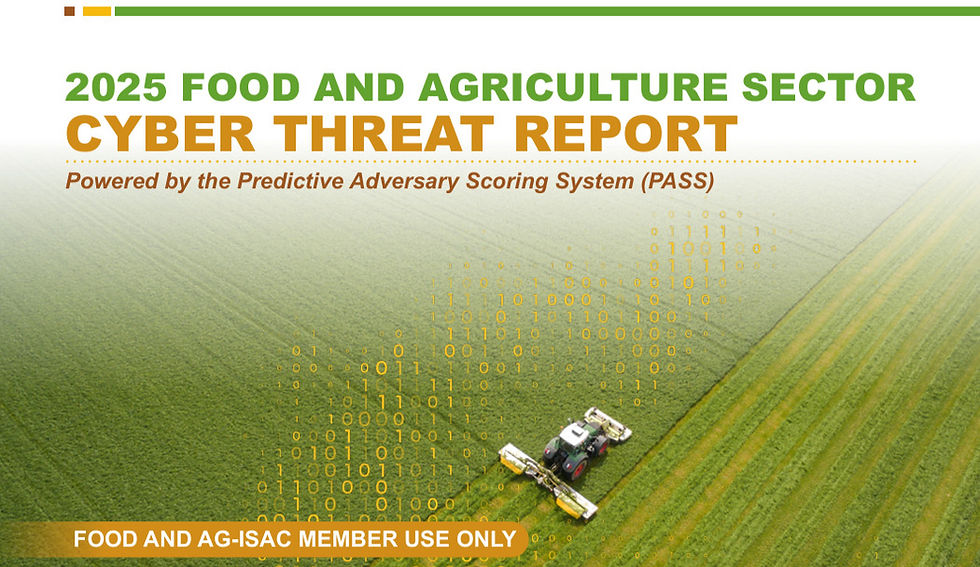
For a small business in the food and agriculture sector, a cyberattack is more than an IT headache — it’s a halted harvest, a spoiled shipment, or a frozen bank account. The Food and Ag-ISAC’s 2025 Food and Agriculture Cyber Threat Report shows that hackers are increasingly using automated tools to find any open door into small and medium-sized businesses (SMBs). For companies with lean teams and limited resources, defending against those threats can seem daunting.
Luckily, many preventative measures against cyberattacks can be low-cost and easy to implement, even for small teams. Our recently updated Food and Agriculture Cybersecurity Guide for Small and Medium-Sized Businesses builds on our original 2023 edition with refreshed, actionable advice tailored specifically for food and agriculture companies.
Here’s a quick overview of our ten tips to defend your organization without breaking the bank. Want the whole guide with more detailed explanations of what, how, and why? Download it here.
1. Access Control - Not Everyone is a VIP
Give people access only to the files and software they actually need to do their jobs. Think of it like a hotel: a guest’s key card should open their room and the gym, but not the manager’s office or the kitchen. When someone leaves the company, turn off their access immediately to prevent ghost accounts from floating around.
2. Backup, Restore, and Recover
If your data is held for ransom or accidentally deleted, a backup is your only lifeline. Use the 3-2-1 rule: keep three copies of your data, stored on two different types of media (like a hard drive and the cloud), with one copy kept completely offline. Most importantly, try restoring your data once in a while to make sure the backups actually work before you need them in a panic
3. Upgrade to Behavioral Monitoring
Old-school security only looks for recognizable viruses, but hackers create new ones every day. Upgrading to more modern security tools means smarter scanning – instead of just looking for a specific file name, they watch for strange behavior. And if they find it, the software will step in and stop it.
4. Continuous Monitoring - Keep an Eye Out for Trouble
Attackers don’t always strike the second they get in – they can hang around for months to figure out how your team operates. To catch them, you need to watch for unusual activity, like someone logging in from a different country at 3 AM or a user suddenly trying to change ten passwords at once. Catching these small red flags early prevents a massive headache later.
5. Spot the Phish Hook
The easiest way into a system isn't through hacking in — it's by tricking an employee. Be skeptical of any email, text, or call that creates a sense of extreme urgency or asks you to click a link to verify something. If a request seems off, don't click. Instead, call the person or company back using a number you know is real to double-check. Check out our blog post and learn more about how you can spot the hook and prevent phishing.
6. Train Your Team
Your staff is your first and best defense. Security shouldn't be a boring, once-a-year presentation; it should be an ongoing conversation. Encourage a culture where if someone accidentally clicks a bad link, they feel comfortable reporting it immediately rather than hiding it out of fear. The faster you know about a mistake, the faster you can fix it.
7. Avoid Disruption
Some cybercriminals just want to cause chaos by crashing your website or flooding it with fake traffic. To stay online, keep your web software updated and use services that can filter out this traffic. It’s also a good idea to have a backup plan for how you’ll talk to customers if your main site or email goes down temporarily.
8. Patch Regularly
Think of software updates as maintaining the locks on your digital doors. When a company like Microsoft or Apple releases an update, it usually fixes a hole that hackers have figured out how to exploit for access. If you wait weeks to update after a patch, you’re leaving that door wide open. Make a list of all your tech and keep it up to date.
9. Manage Your Vendors
You might be confident in your organization’s security, but what about the companies you hire? If a vendor or third-party has a login to your system to fix your printers or manage your payroll, they are a potential doorway for cyberattacks. Only give them access when they are actually working, and make sure they follow the same high security standards that you do.
10. Use Multi-Factor Authentication (MFA)
Passwords are easy to steal, guess, or even buy. Using MFA (where you enter a password plus something else, like a code from a text or authenticator app) is the single most effective thing you can do to stay safe. It means that even if a hacker has your password, they still can't get in because they don't have your physical phone in their hand. Read more about how to implement MFA in our blog post.
The bottom line? You don’t need an extensive cybersecurity team to protect your organization. By implementing even three or four of the above steps, you become a harder target, and most opportunistic hackers will simply move on to someone easier.
No food or agriculture organization should have to figure this out alone. Whether you're a grower, processor, distributor, or retailer, your security strengthens the whole supply chain, and a gap at one link puts pressure on everyone downstream. That's why we built this guide: not as a checklist to be perfect, but as a starting point SMBs can actually use. Download our full guide to get all the details and protect your information today.


Comments